
01
Tiles that flap
Every tile turns through the drum of characters until it reaches its new one, the way a split-flap board does. A changed minute or a new status ripples through as the tiles flip.
StationClock turns your TV into a split-flap departure board. Dark flip tiles spell out the time, the date and the weather in white capitals, and every row carries a train status that runs from ON TIME to DEPART.
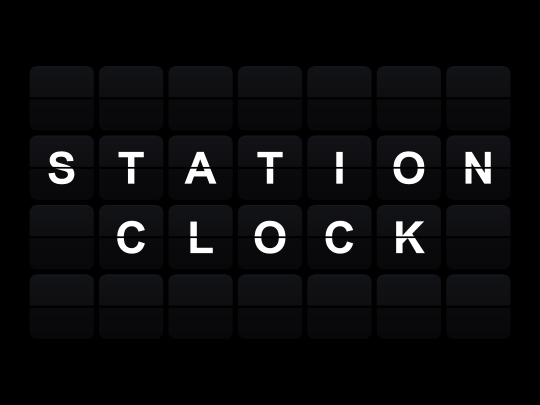
StationClock is a Full HD screensaver for Roku TVs and streaming players. It is a board of 23 by 13 dark flip tiles, each made of two shaded flaps with a thin hinge line between them, with bold white capitals, like the departure board of a railway station. Tiles flap through the drum to reach each new character.
Every tile turns through the drum of characters until it reaches its new one, the way a split-flap board does. A changed minute or a new status ripples through as the tiles flip.
The place name sits on the left of the top row with the time on the right. Below it come the date, the weather condition, TEMP, FEELS (only when it differs from the temperature by more than 2 degrees), HIGH and LOW.
Each row with text, except the top one, carries a status at the right edge: ON TIME, sometimes DELAY, then ARRIVE, BOARD and DEPART, rarely CANCEL. Each row runs its own trip of about seven minutes. The statuses are decorative, not real train data.
Use your own Tempest weather station, type a ZIP or postal code or a city, or leave the location blank to use your IP address. Choose Fahrenheit or Celsius and 12 or 24-hour time; until you do, StationClock follows your Roku. Add a custom message of up to 23 characters. The board and the settings screen come in English, French, Spanish, German or Portuguese, chosen from the Roku system language; accented letters in a place name or message are folded to plain letters.
The whole board resets every 23 minutes and the text moves down a row at each reset, to reduce the risk of image retention. The custom message row re-spins every 67 seconds.
Weather needs the internet, so the screensaver does contact weather services; the Privacy Policy lists exactly which. No account, no ads, no analytics and nothing sold. Your settings stay on your Roku.
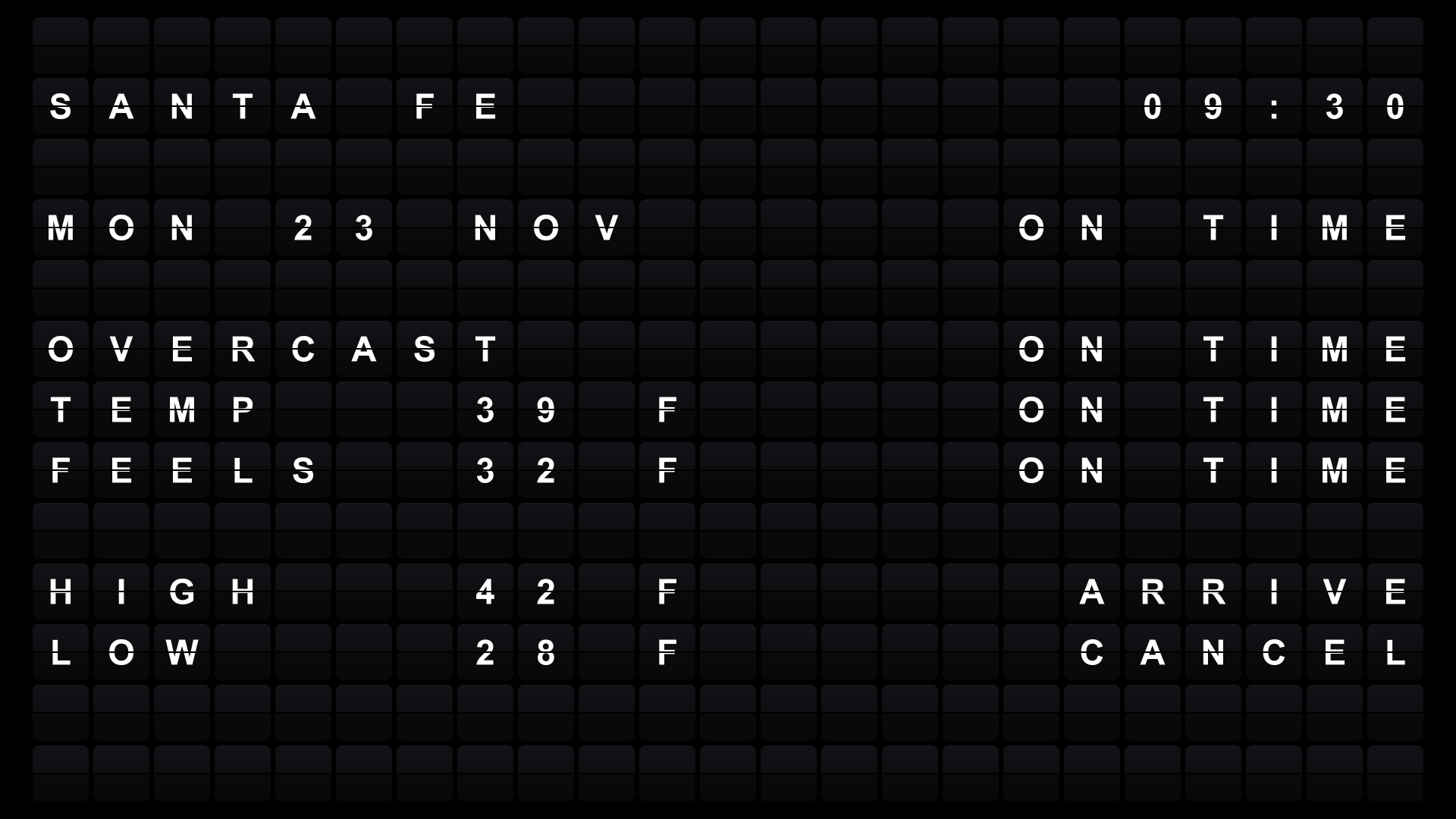
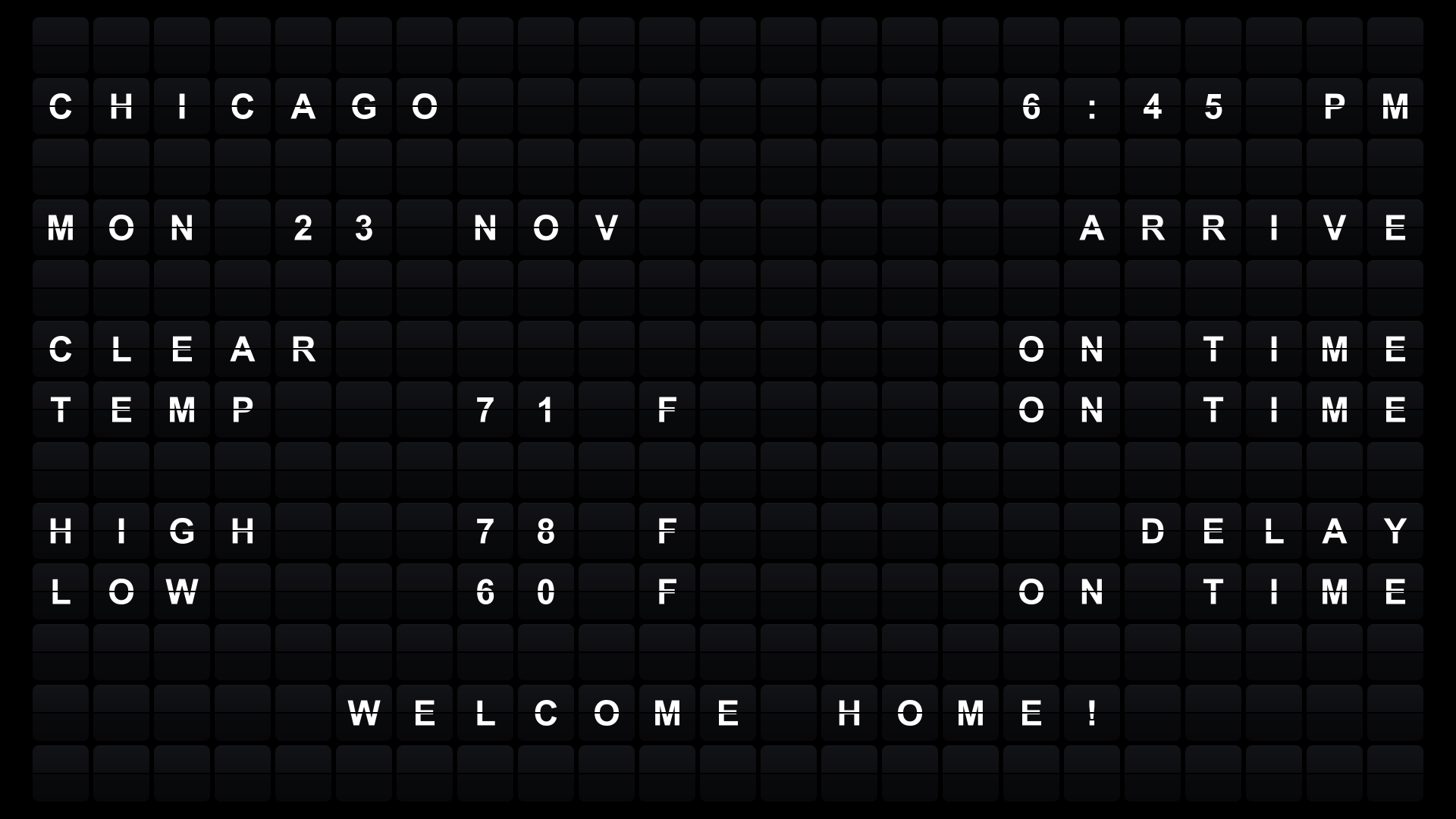
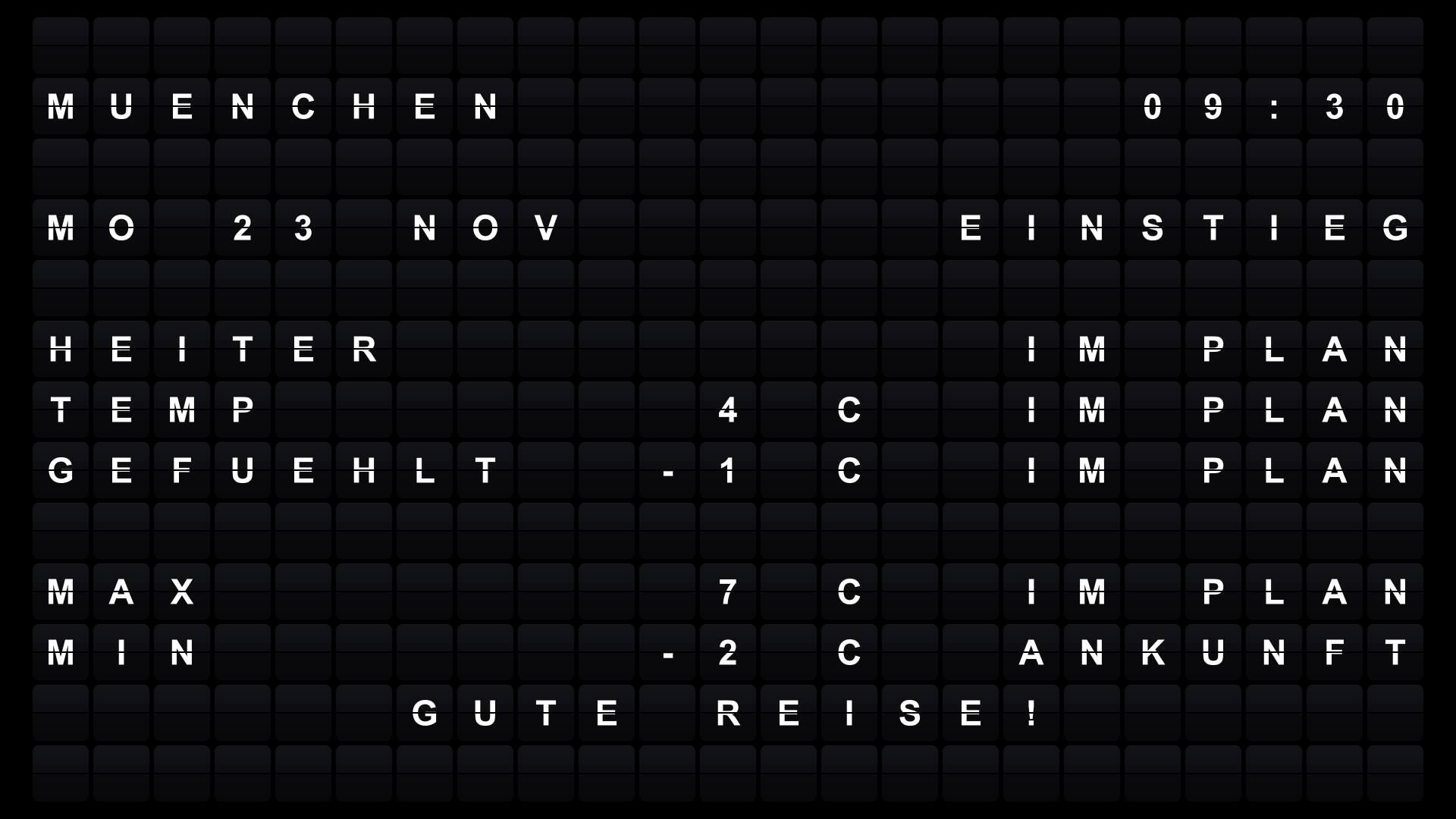
StationClock has been tested on Roku OS 16. It is drawn for Full HD and scaled by the Roku on 720p devices. When it is available, you will set it as your screensaver from Roku Settings; the setup guide shows how.
Roku is a trademark of Roku, Inc. StationClock is an independent product and is not affiliated with or endorsed by Roku.